

4K Recording
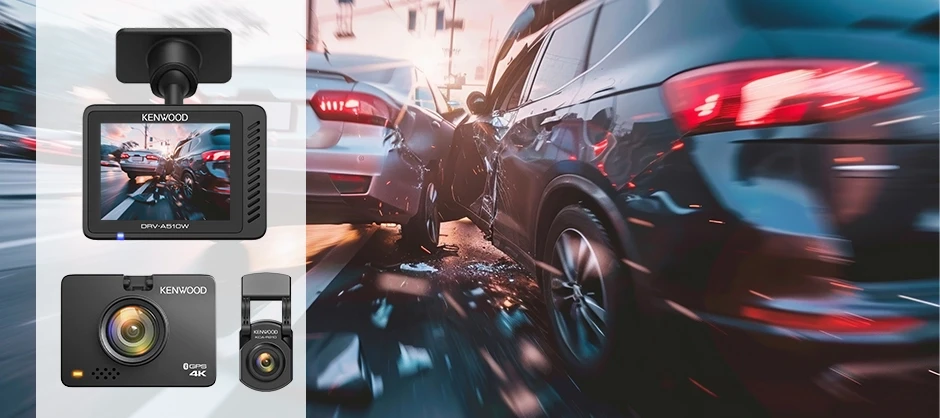
With its 8.4 megapixel CMOS sensor, DRV-A610W captures 4K Ultra HD video at 30fps, more then 2 times as many pixels as 2K Quad HD, making super-high resolution recording and replay possible.

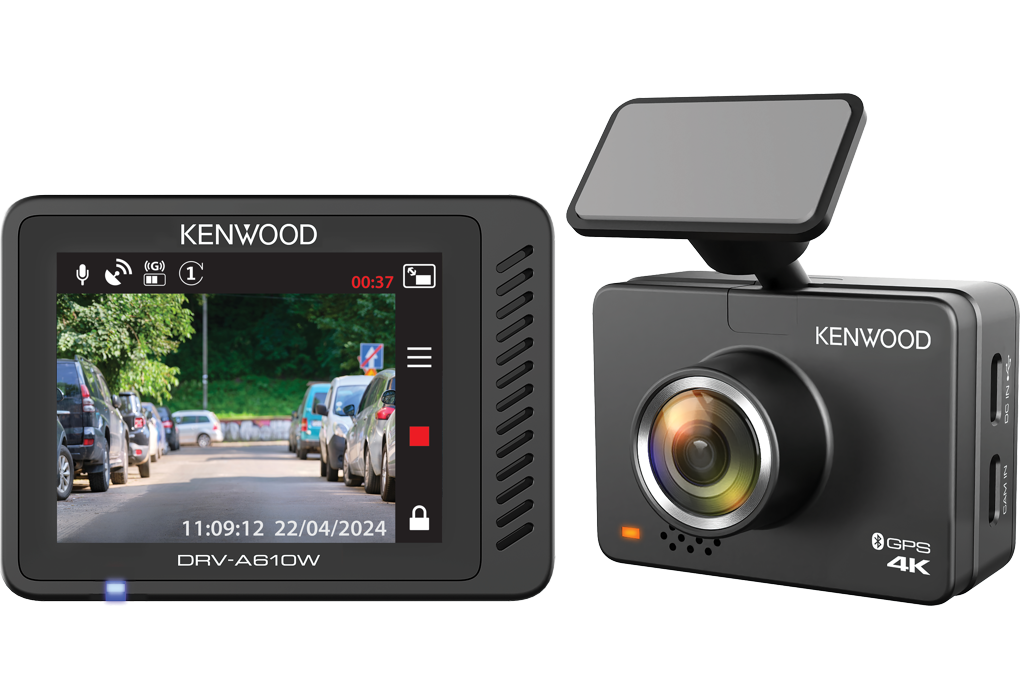
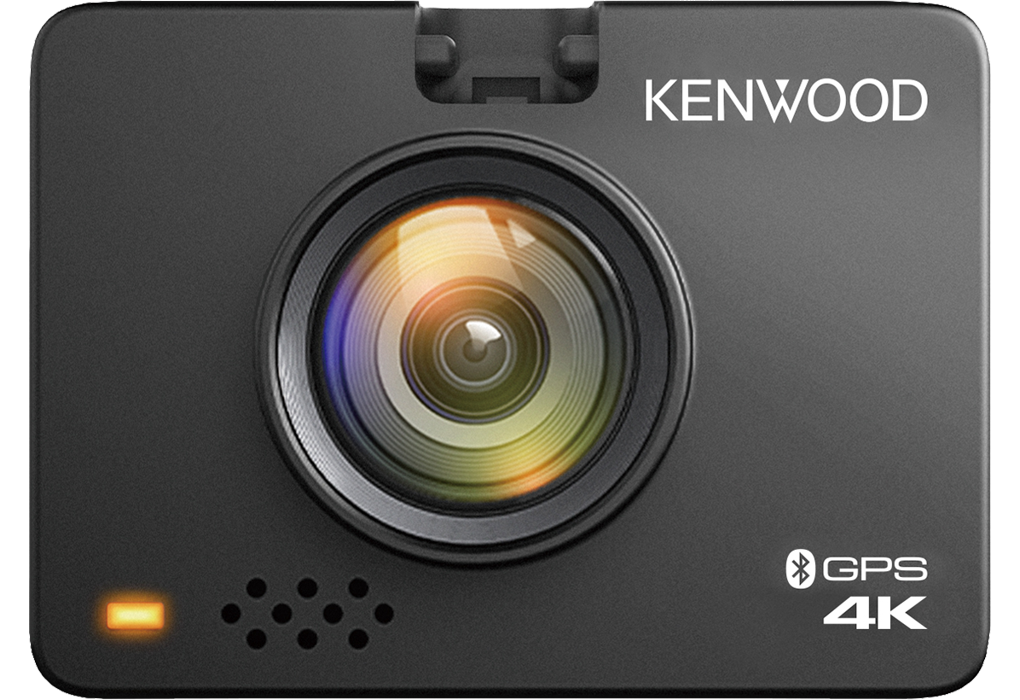
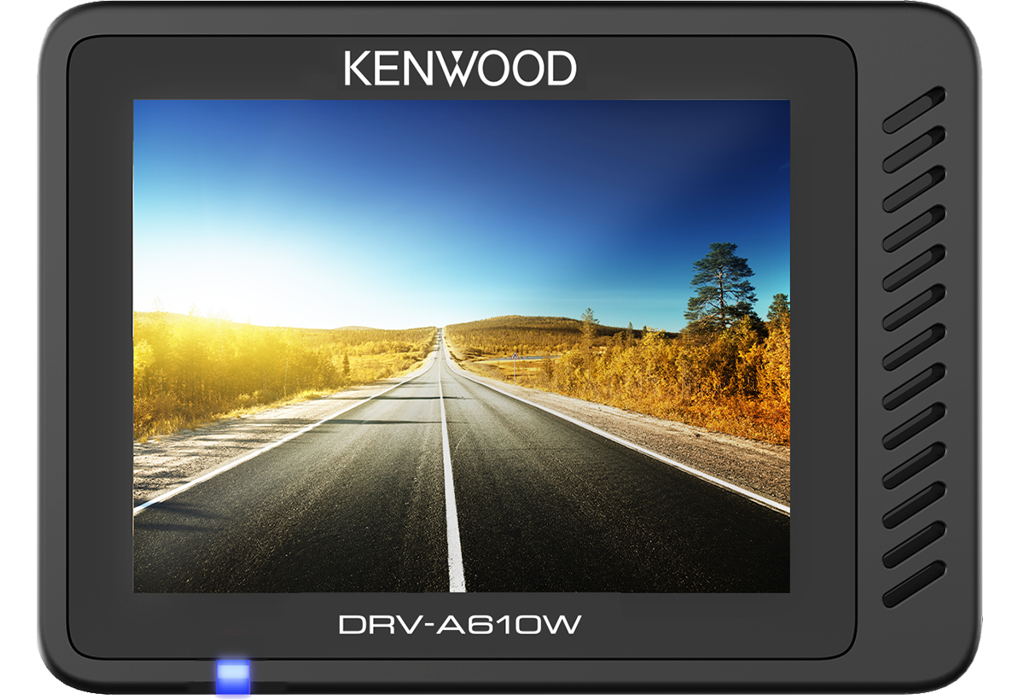
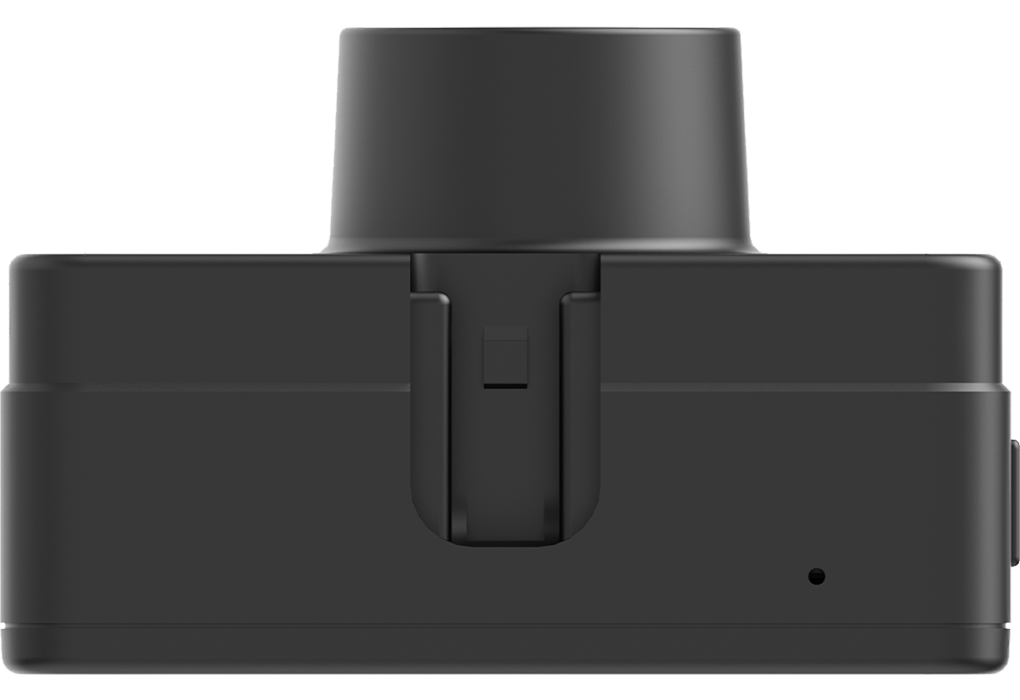
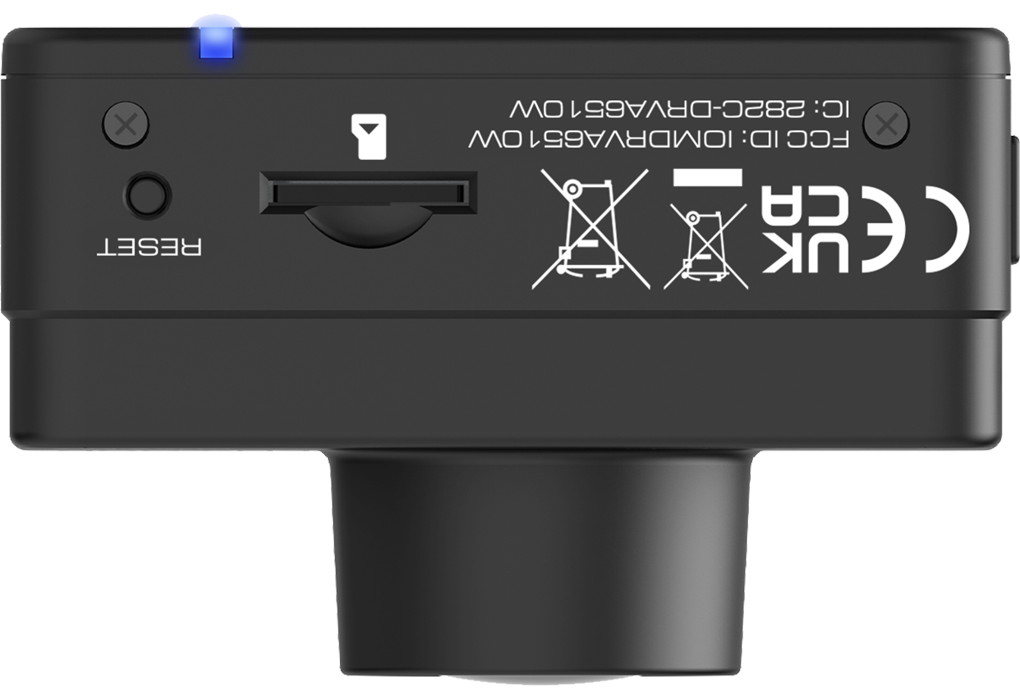
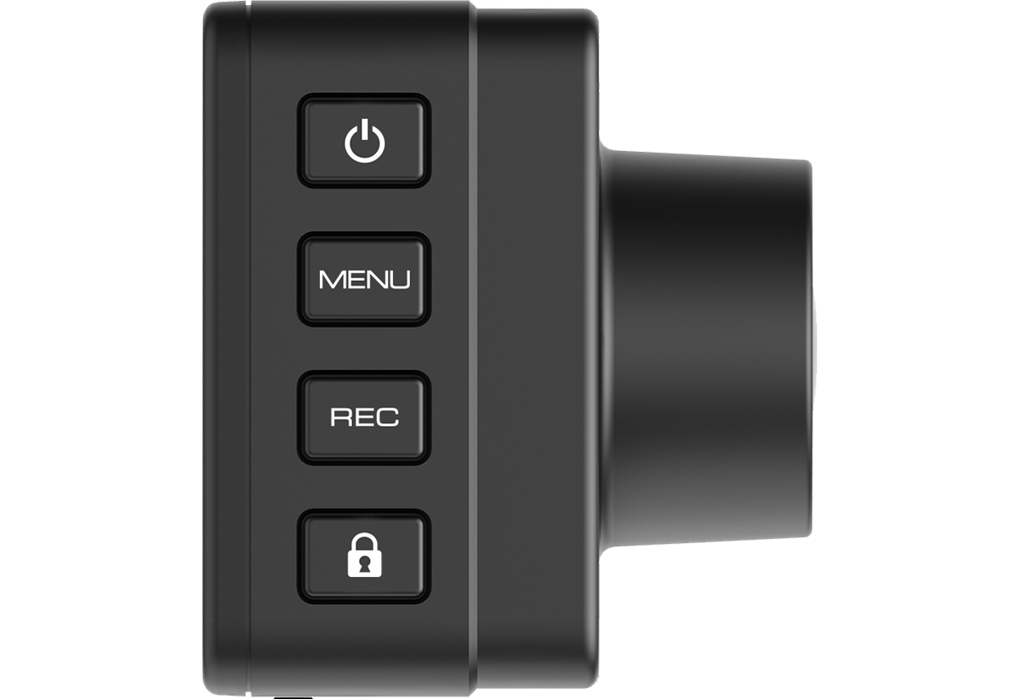
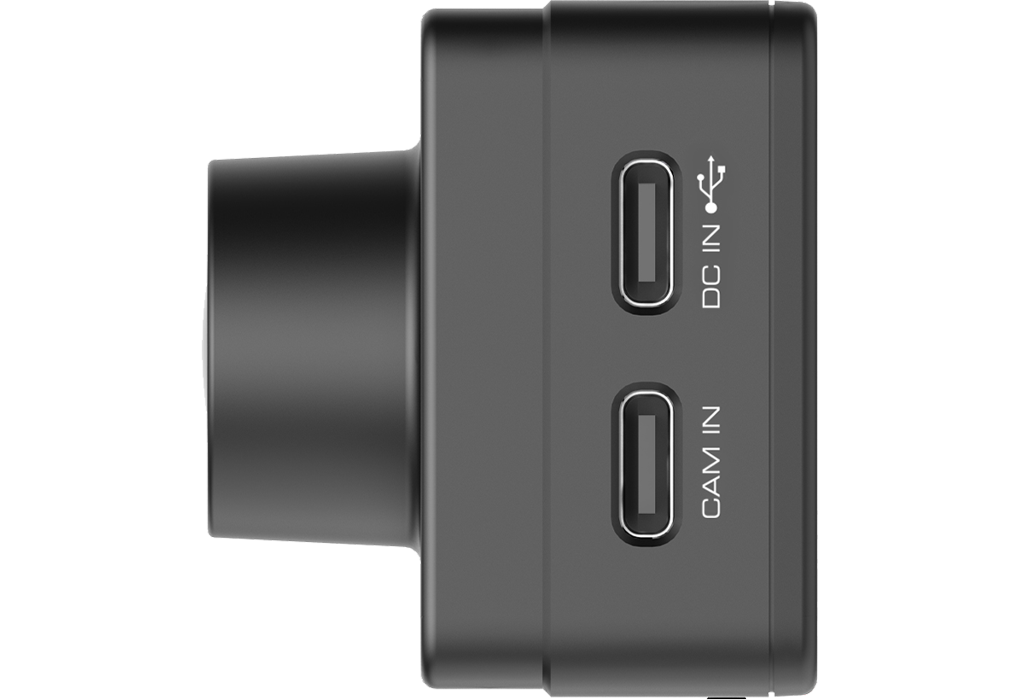
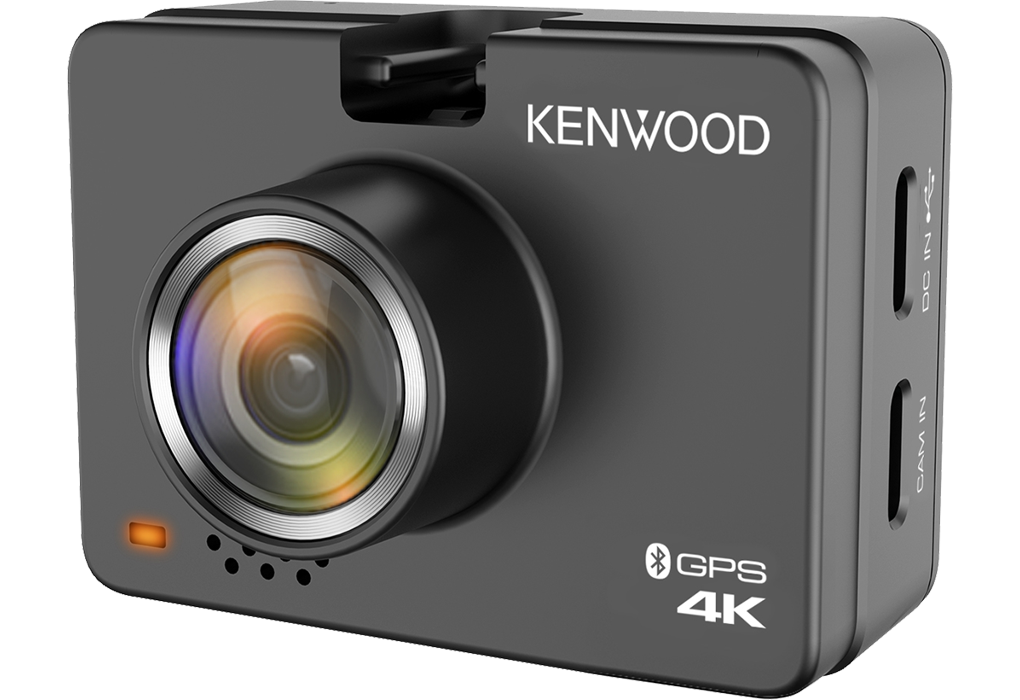
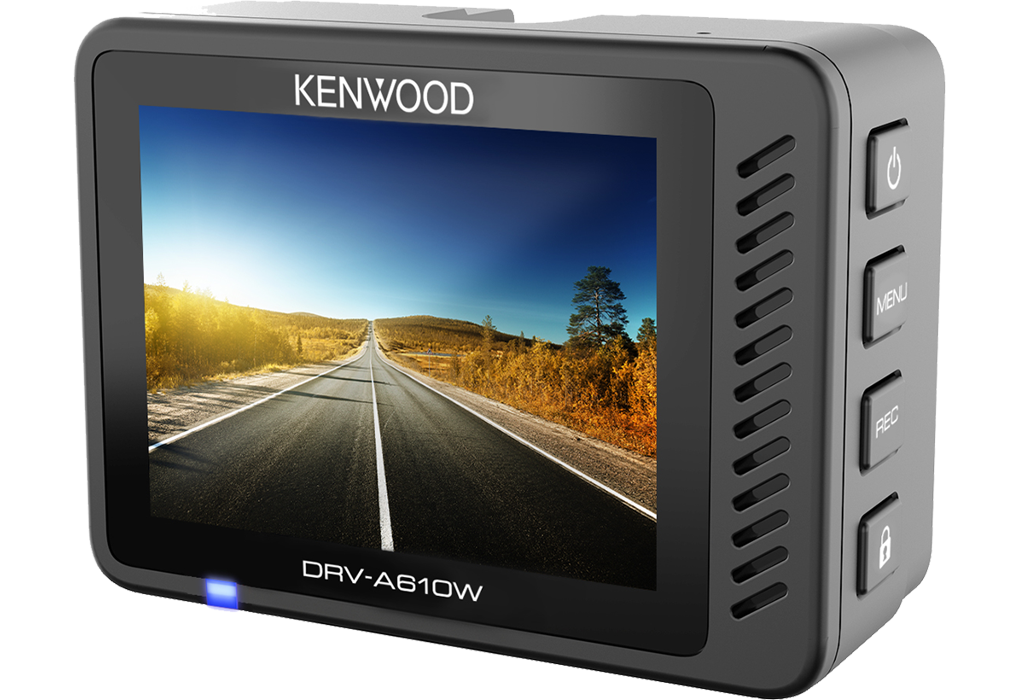
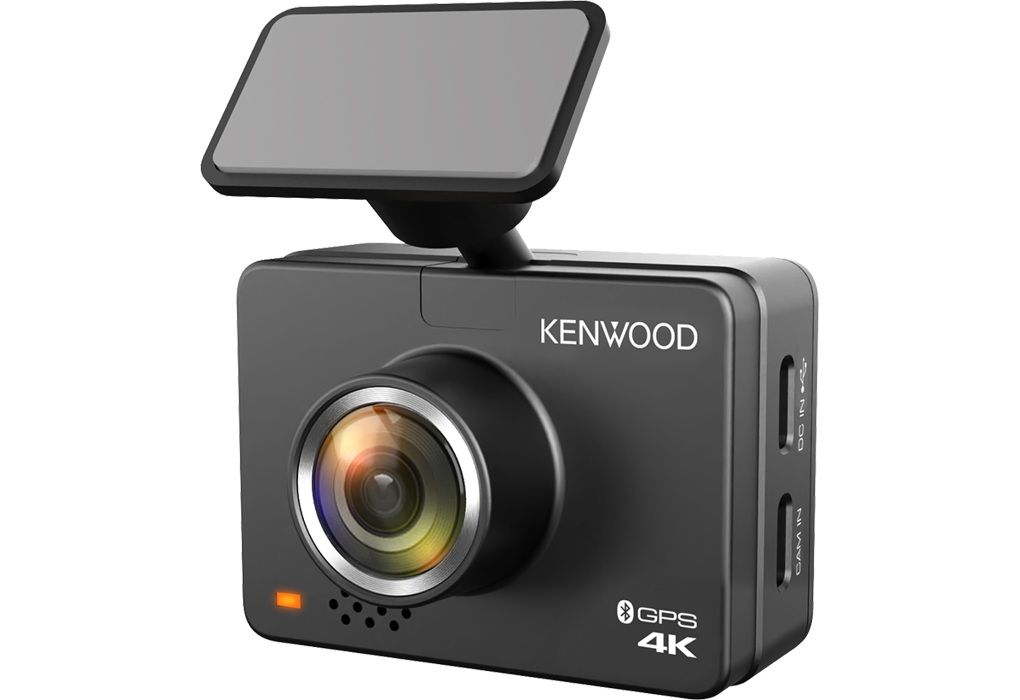
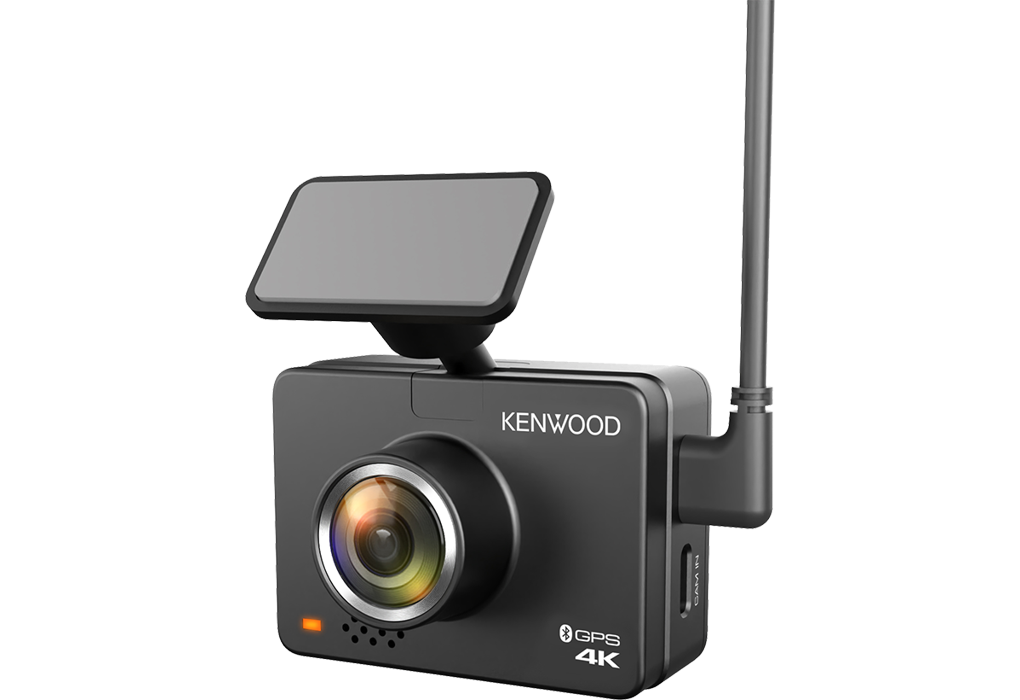
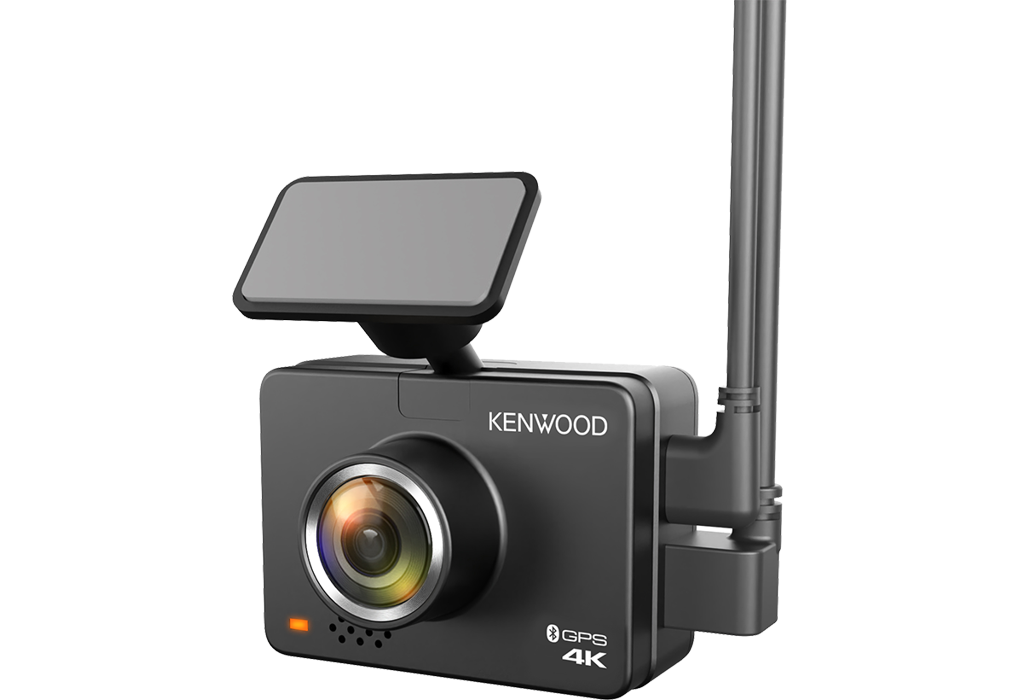
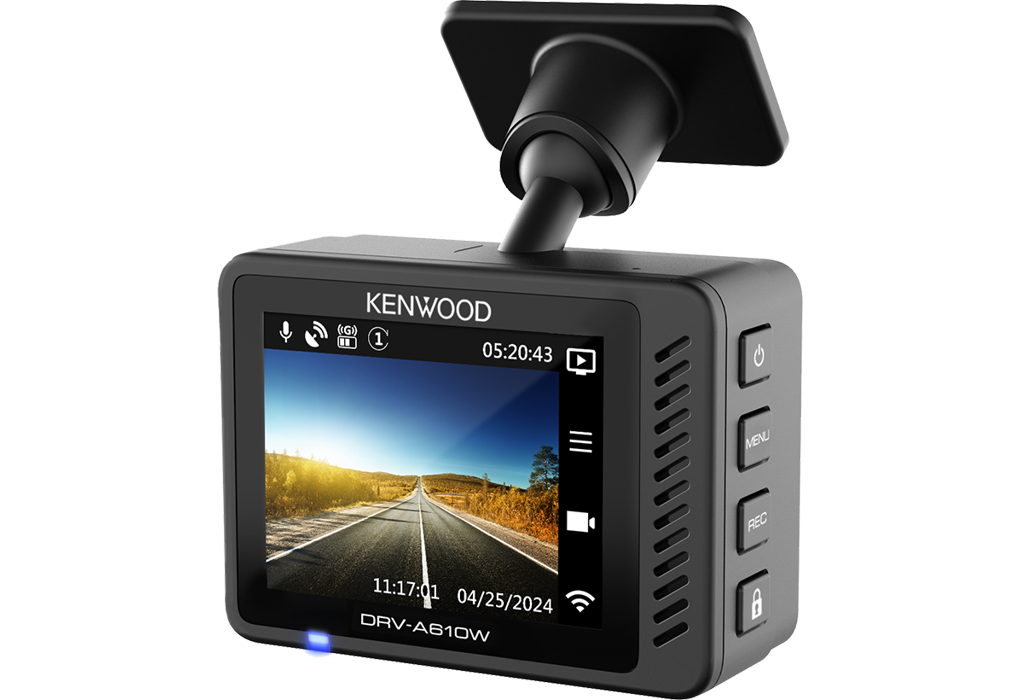

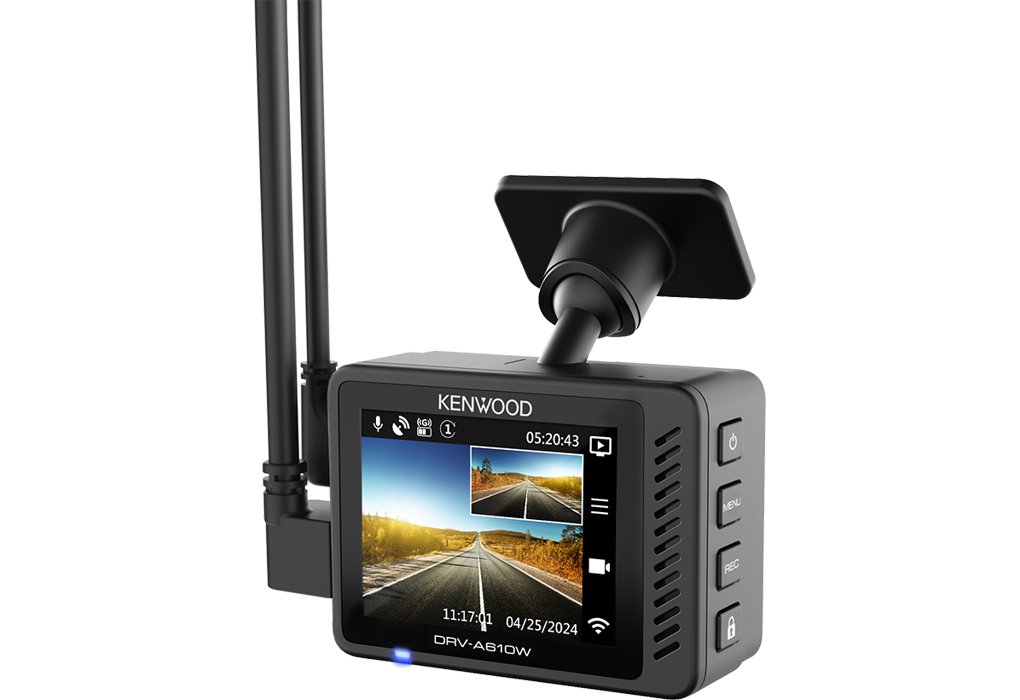
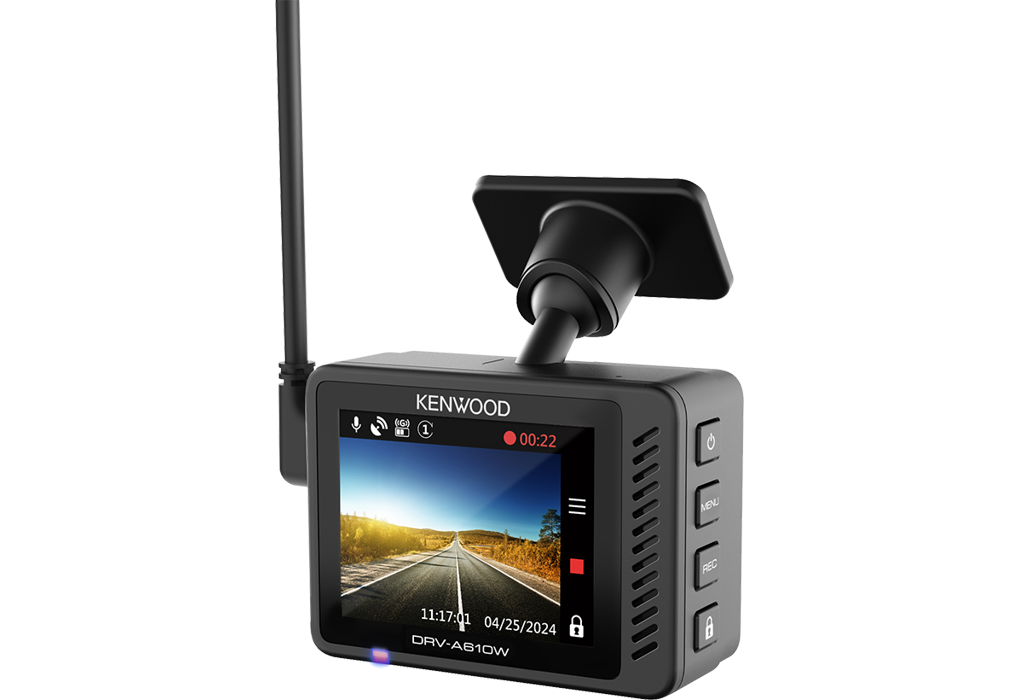
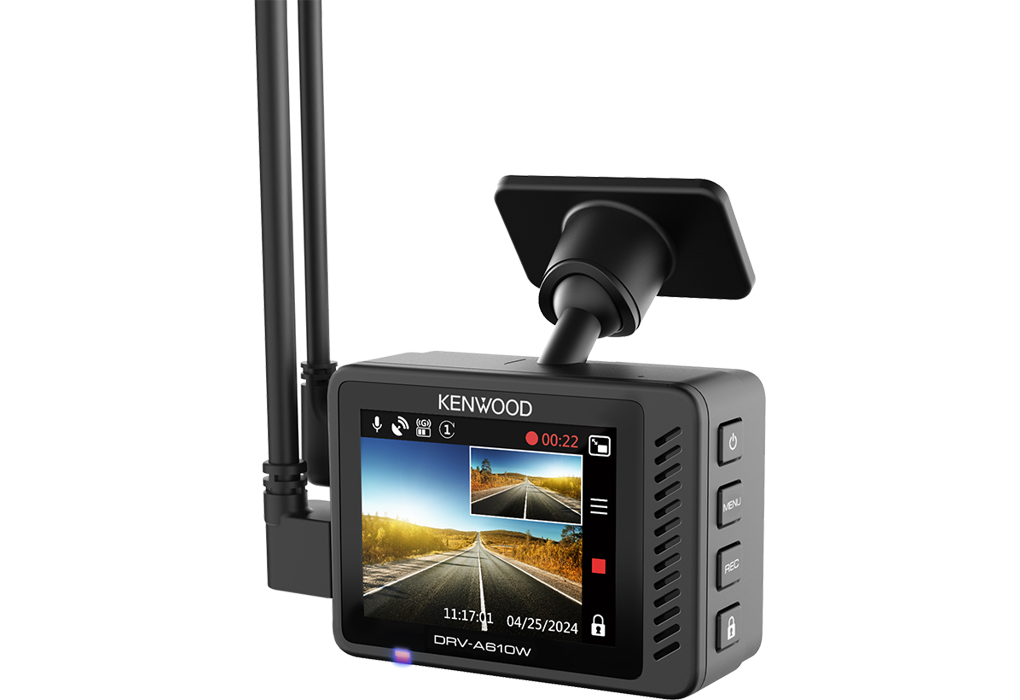
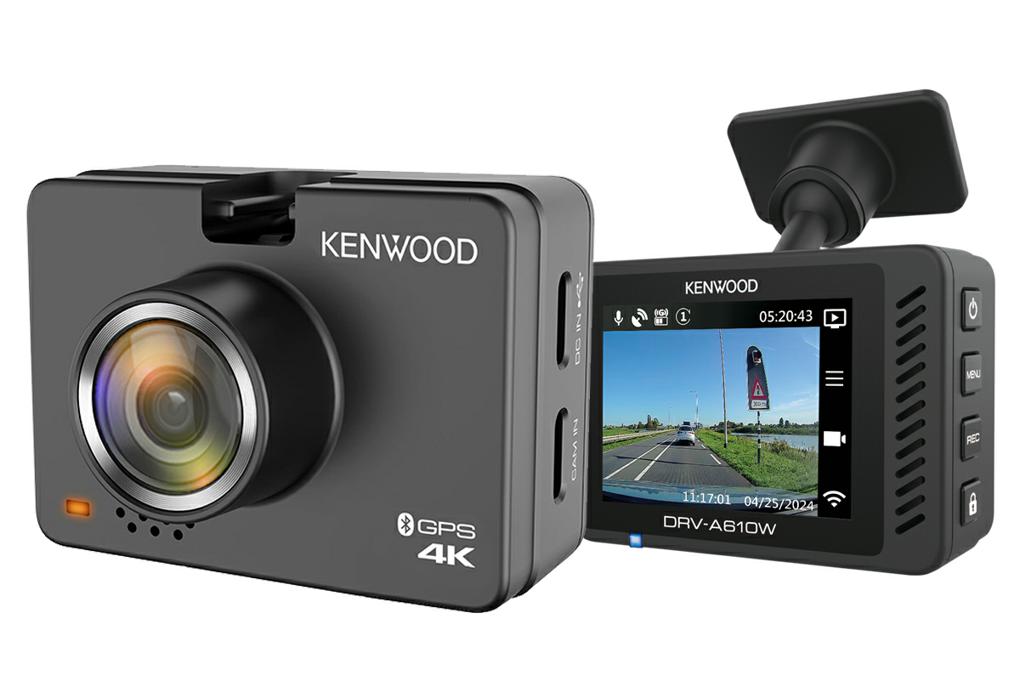
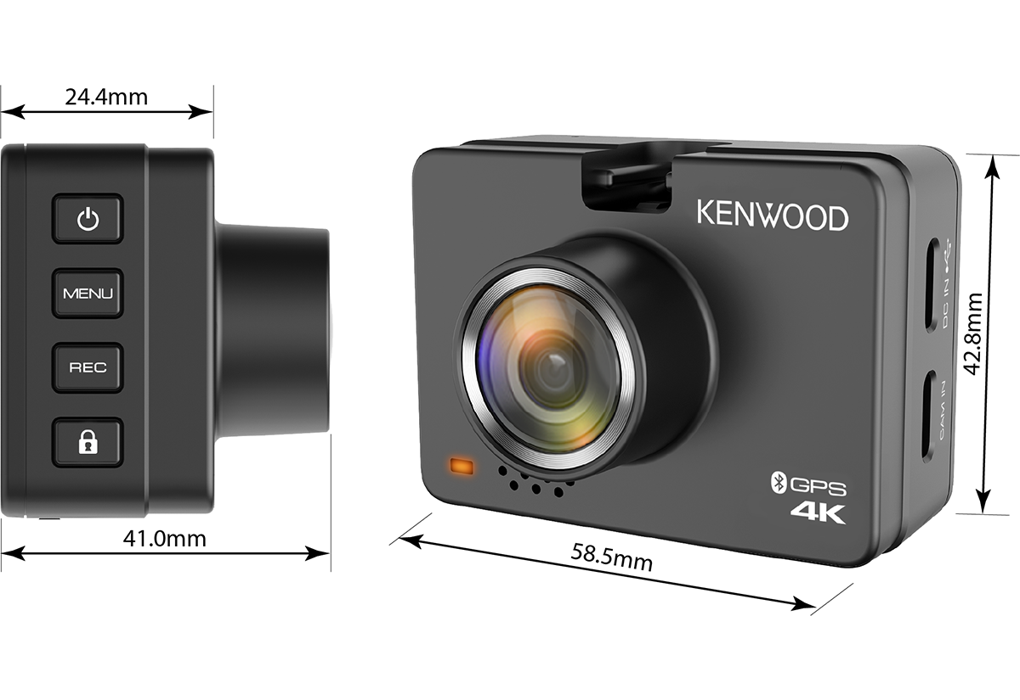
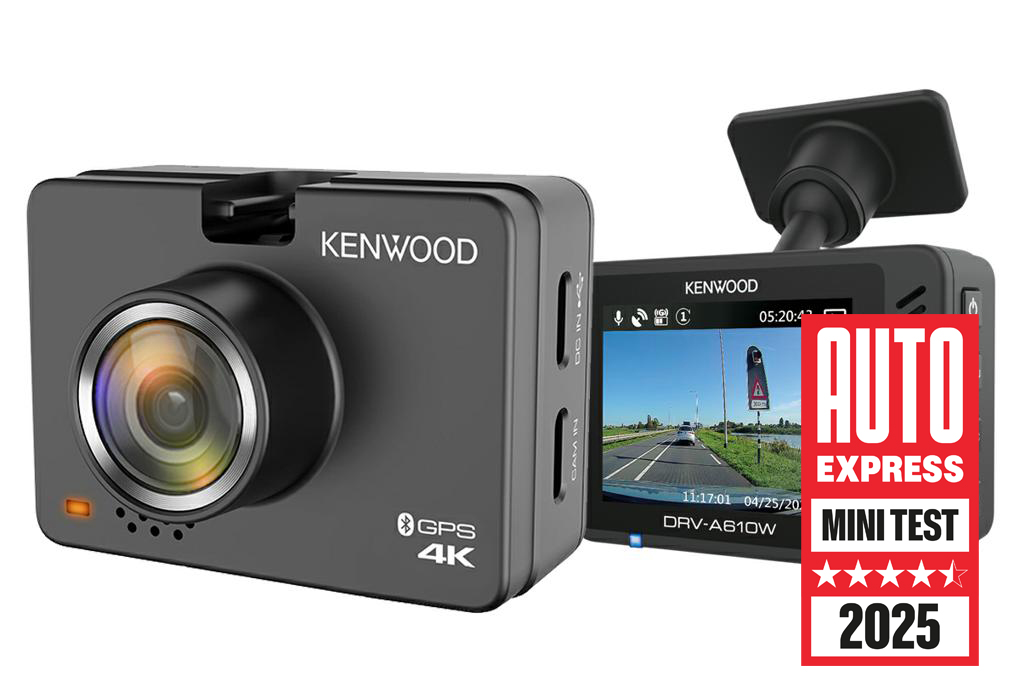
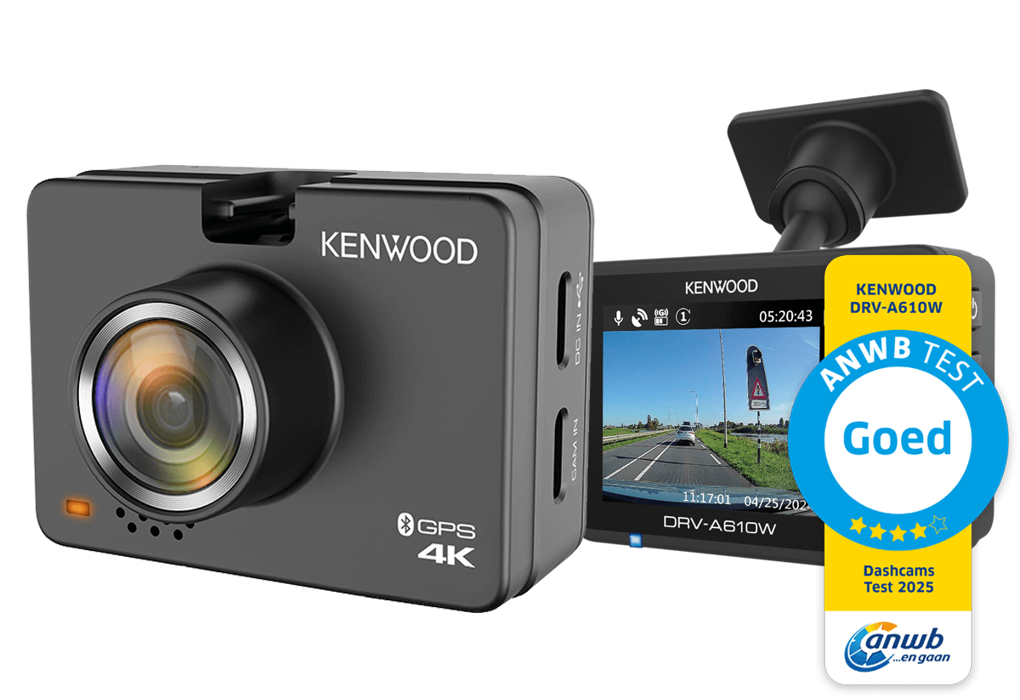
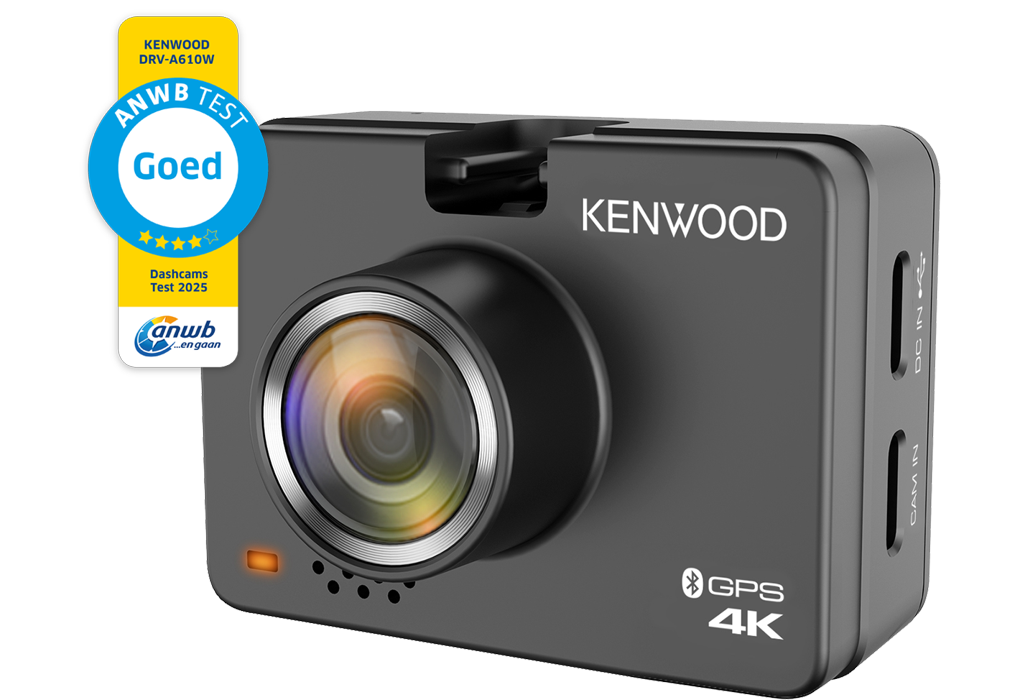
With its 8.4 megapixel CMOS sensor, DRV-A610W captures 4K Ultra HD video at 30fps, more then 2 times as many pixels as 2K Quad HD, making super-high resolution recording and replay possible.


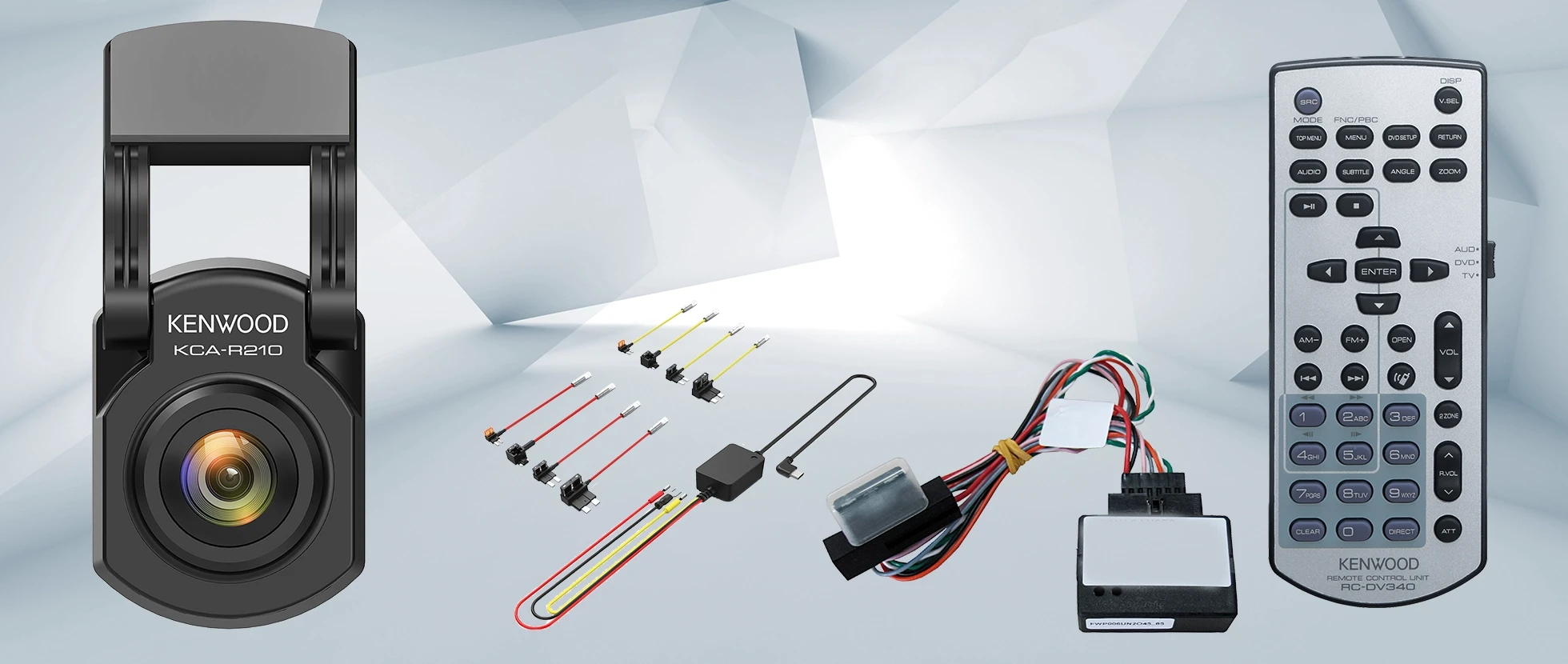
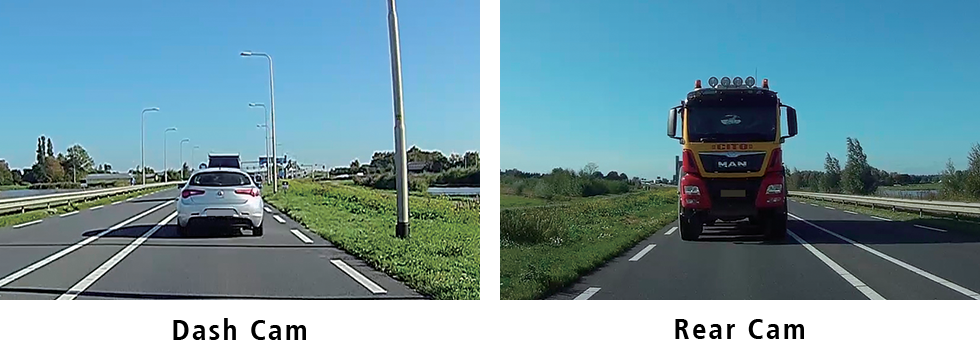
By connecting the optional KCA-R210 rear camera to the DRV-A610W, it is possible to record front and rear directions simultaneously. The rear dash cam includes a 8.0 meter cable that connects to the front dash cam, allowing it to easily be mounted to the rear windshield. As this rear camera has IPX67 reatings it can also be installed at the outside of the vehicle where you would like to record.
Having an large 2.0” full color LCD display, that offers a crisp and sharp picture, makes it very convenient to set menu operations, monitor real-time recording, and playback the footage immediately. Thanks to the intuitive GUI including large and legible text, operations can be performed with ease.

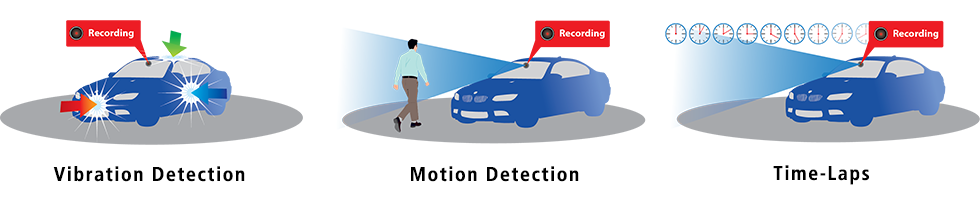
This DashCam features parking mode or parking mode when the hard-wire kit CA-DR1130* (sold separately) is connected. When your vehicle is parked and switched off, Smart Parking Mode becomes active with one of three modes: vibration detection or motion detection or Time-lapse:
Vibration Detection: The dashcam automatically creates 30-second videos when the camera detects a vibration and for as long as vibration is detected.
Motion detection: the dashcam automatically shoots 30-second videos when it detects movement in the camera's field of view (dashboard or rear camera, if connected) for as long as movement is detected.
Time-lapse: he dashcam makes uninterrupted time-lapse videos.
The dashcam will keep doing this until the next time the car is started or until the minimum voltage threshold of the battery is reached or if the parking mode is active for more than 24 hours. The camera will store all these recordings in a separate folder on the memory card to keep them safe.
* The hardwire kit CA-DR1130 (sold separately) is required to provide permanent power to the camera.
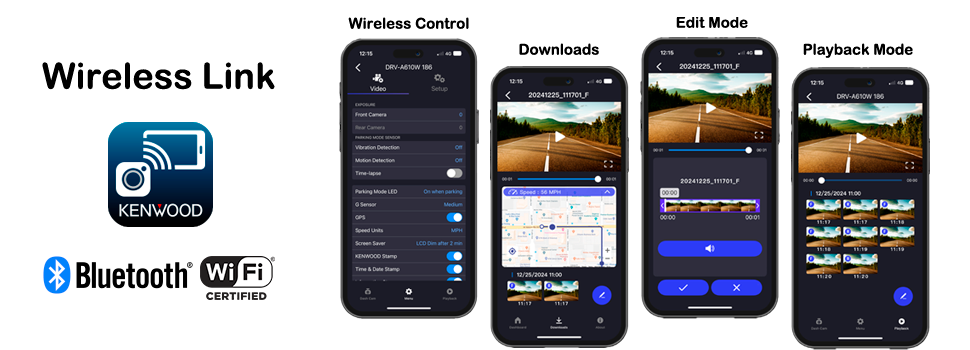
The KENWOOD DASH CAM MANAGER app allows you to easily change the menu settings of your dash cam and browse through recorded videos as well as realtime live view from your smartphone in an intuitive way. By downloading the video / photo files into your smartphone, you can even review them while routing on Google Maps with the GPS information such as speed, G-sensor and distance, and edit the videos to share them on social media.
Download the KENWOOD DASH CAM MANAGER app from App Store (iOS) or Google Play (Android) on your smartphone.
|
Please check out the following 2 video tutorials:
|
|||
 |
 |
 |
|
 |
|
||
The dashboard camera work with both 12V and 24V by using the supplied USB Car Charger or when using the optional Hardwire kit CA-DR1130.

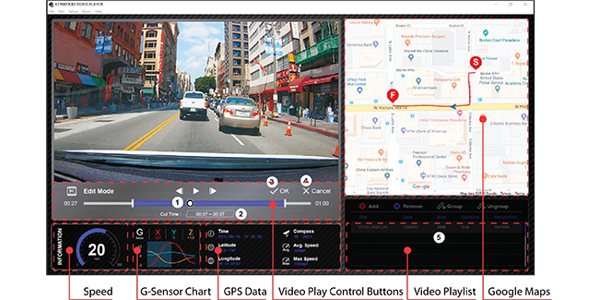
KENWOOD VIDEO PLAYER desktop software is available for displaying video recorded with the device. You can also play back, edit and share the videos on your PC. Download and install the software according to the on-screen instructions.
PC Requirements: OS: Microsoft Windows 10, 8.1, 7* / *Windows 7 Service Pack 1 & Microsoft Visual C++must be installed. / OS: Apple Mac OS X 10.11 (El Capitan) or later.